
The Dell™ UltraSharp™ Color Calibration Solution User Guide describes how the solution, when used with an X-Rite i1Display Pro colorimeter, can display the best possible, most accurate colors on a Dell UltraSharp U2413/U2713H display.
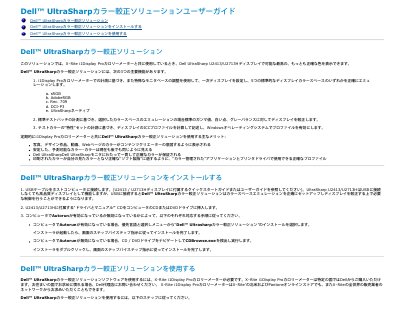
The Dell UltraSharp Color Calibration Solution is used with the X-Rite i1Display Pro colorimeter to set up and calibrate Dell UltraSharp U2413/U2713H displays. It can emulate five standard display color spaces—sRGB, AdobeRGB, Rec. 709, DCI-P3 and UltraSharp Native—and calibrates gamma, white point and gray balance for the selected color space.
The Japanese user guide explains installation from the Drivers and Documentation CD, starting the application, and connecting the colorimeter to an available host USB port. It also notes that display color settings should not be changed through the OSD menu during profiling, because this makes measurements inconsistent and the calibration and profile inaccurate. This manual is written in Japanese.
| Required colorimeter | X-Rite i1Display Pro |
|---|---|
| Supported displays | Dell UltraSharp U2413/U2713H |
| Color spaces emulated | sRGB, AdobeRGB, Rec. 709, DCI-P3, UltraSharp Native |
| ICC profile activation | Windows operating system |
The solution requires the X-Rite i1Display Pro colorimeter.
It is used with Dell UltraSharp U2413/U2713H displays.
Do not change color settings from the front panel OSD menu during profiling; doing so makes measurements inconsistent and the calibration and profile inaccurate.
Double-click the program icon on the desktop or under Start > All Programs > Dell Displays.