
The Dell XPS 15 laptop is powered by an Intel Core i7 processor and features a 15.6-inch display with a resolution of 3840 x 2160 pixels. The laptop also comes with 16GB of RAM and a 512GB solid-state drive.
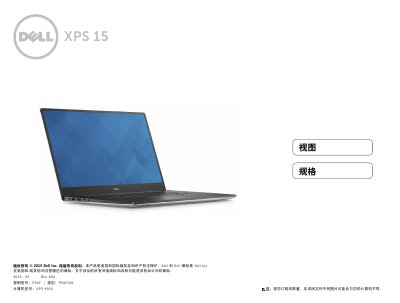
The Dell XPS 15 (XPS 9550) is a high-performance laptop featuring 6th Generation Intel Core processors and NVIDIA GeForce graphics. This document provides detailed visual guides to the device's exterior and interior components.
It includes comprehensive technical specifications covering memory, storage, battery options, and environmental operating limits to assist users in understanding their hardware configuration. This manual is written in Chinese.
| Processor | 6th Gen Intel Core i3, i5, or i7 |
|---|---|
| Memory | 8 GB, 16 GB, or 32 GB DDR4 2133 MHz |
| Graphics | NVIDIA GeForce GTX 960M or Intel HD Graphics 530 |
| Dimensions | 17 mm (H) x 357 mm (W) x 235 mm (D) |
| Weight | 1.78 kg (non-touch) to 2 kg (touch) |
Press the battery status button to light up the five battery charge status indicators.
The rated output voltage is 19.50 VDC.