
Dell™ P1500 Personal Laser Printer User's Guide.
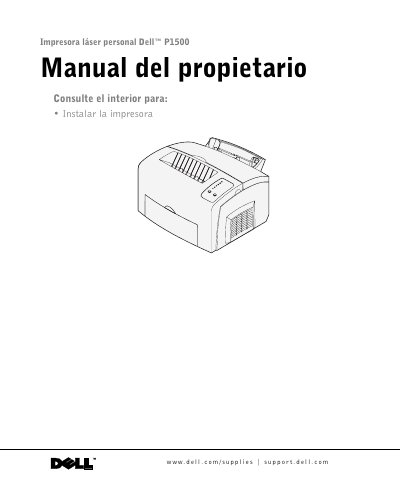
The Dell P1500 is a personal laser printer featuring a primary paper tray, a manual feed slot for special media, and an optional 250-sheet tray to increase capacity. It supports connectivity via either a USB or parallel cable.
This guide provides detailed instructions on unpacking the device, installing toner cartridges, loading various paper types, and configuring the printer drivers for multiple Windows operating systems. This manual is written in Spanish.
| Tray 1 Capacity | up to 150 sheets |
|---|---|
| Optional Tray Capacity | 250 sheets |
Use the manual feed slot to load a single sheet of paper or other materials such as transparencies, labels, envelopes, and cardstock.
Tray 1 can be loaded with up to 150 sheets of paper or 10 sheets of other material.
The manual feed is used to load a single sheet of paper or other materials, such as cardstock, envelopes, and transparencies.
No, you can use either a parallel or USB cable, but not both.