
The Dell W-AP90 Series APs are single-radio, dual-band wireless access points that support the IEEE 802.11n standard for high-performance WLAN.
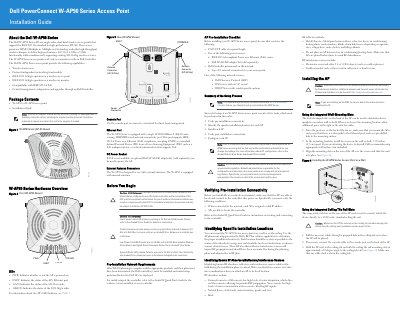
The Dell PowerConnect W-AP90 Series consists of single-radio, dual-band wireless access points designed for high-performance WLAN. These devices support the IEEE 802.11n standard and are compatible with 802.11a/b/g wireless services, operating in conjunction with a Dell Controller.
The series includes the W-AP92, which uses external antennas, and the W-AP93, which features internal antennas. The devices support Power over Ethernet (PoE) via IEEE 802.3af or an optional AC-DC adapter kit.
| Wireless Standard | IEEE 802.11a/b/g/n |
|---|---|
| Frequency Bands | 2.4 GHz or 5 GHz |
| Ethernet Port | 10/100/1000Base-T (RJ-45) |
| PoE Compliance | IEEE 802.3af |
The W-AP92 is designed for use with external antennas, while the W-AP93 is equipped with internal antennas.
An optional Dell AP AC-DC adapter kit, sold separately, can be used to power the access point.
The device can be mounted on a wall using integrated keyhole-shaped slots or on a ceiling using snap-in tile rail slots.