
Dell Display Manager is a Windows application used to manage a monitor or a group of monitors. It allows manual adjustment of the displayed image, assignment of automatic settings, energy management, image rotation and other features on select Dell models.
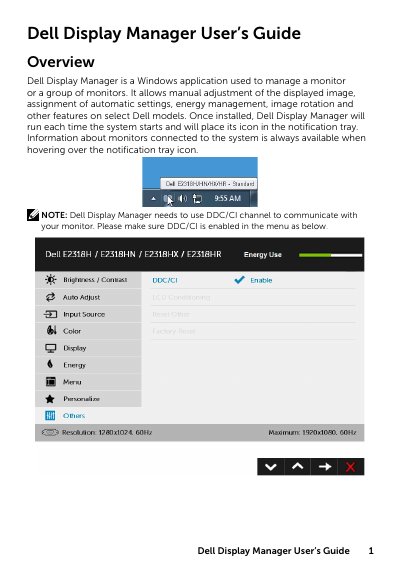
Dell Display Manager is a Windows application used to manage a monitor or a group of monitors. It allows manual adjustment of the displayed image, assignment of automatic settings, energy management, image rotation and other features on select Dell models.
The guide explains the Quick Settings dialog, Basic and Auto Mode tabs, assigning Preset Modes to applications, managing multiple video inputs, applying PowerNap energy conservation options, and troubleshooting communication problems with the monitor.
| Operating system | Windows |
|---|---|
| Communication channel | DDC/CI |
| Supported hardware | Dell branded monitors |
| Energy conservation feature | PowerNap |
It is used to manage a monitor or a group of monitors, including manual image adjustment, automatic settings, energy management, and image rotation on select Dell models.
Click the Dell Display Manager notification tray icon. When multiple supported Dell models are connected, you can select the target monitor from the provided menu.
Open the Auto Mode tab and drag the application onto the assignment list. Dell Display Manager then switches to the assigned Preset Mode when that application is activated.
Check that the video cable is firmly connected, that DDC/CI is enabled in the monitor OSD, that you have the correct and latest display driver, and that no unsupported docking stations or extenders are in use.