
The Dell PowerConnect W-IAP90 Series Instant Access Point Installation Guide describes the features and capabilities of the Dell W-IAP90 Series Instant Access Points. The W-IAP90 Series Instant Access Points are single-radio, dual-band access points that support the IEEE 802.11n standard for high-performance WLAN. The W-IAP90 Series Instant Access Points use MIMO (Multiple-in, Multiple-out) technology and other high-throughput mode techniques to deliver high-performance, 802.11n 2.4 GHz or 5 GHz functionality while simultaneously supporting existing 802.11a/b/g wireless services.
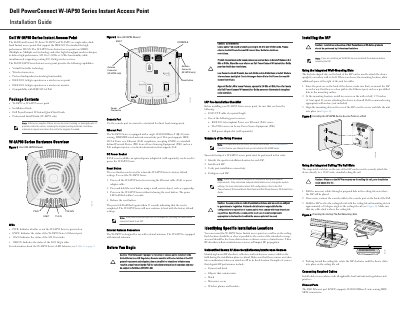
This guide provides step-by-step instructions for installing Dell W-IAP90 Series access points, including mounting options and cable connections. It covers hardware overview, LED indicators, and pre-installation requirements. The W-IAP90 Series supports IEEE 802.11n and is compatible with 802.11a/b/g standards. Installation requires CAT5 UTP cable and either PoE or a Dell power adapter.
| Wireless Standard | IEEE 802.11n |
|---|---|
| Frequency Bands | 2.4 GHz and 5 GHz |
| Power over Ethernet | IEEE 802.3af |
| Ethernet Port | 10/100/1000Base-T (RJ-45) |
Power off the device, press and hold the reset button with a small object, power on without releasing, wait 5 seconds for the power LED to flash, then release the button. The LED will flash again within 15 seconds to confirm reset.
Either IEEE 802.3af-compliant Power over Ethernet (PoE) or a Dell power adapter kit (sold separately).