
Dell Latitude 5490 Quick Start Guide

The Dell Latitude 5490 Quick Start Guide introduces the features and specifications of the product.
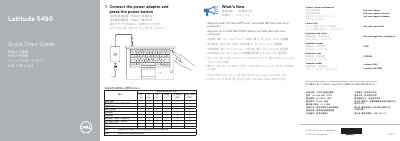

Dell Latitude 5490 Quick Start Guide - cover page
Brand
DELL
Category
Laptops
Document type
Quick Start Guide
Language
English
Pages
2
File format
PDF
File size
423 KB
Published
25 November, 2023
Updated
25 November, 2023
MD5 checksum
E25FF2DD11830385F5E5424638F2D0FE

About this manual

This guide helps you power on and use your Dell Latitude 5490. Connect the power adapter and press the power button to start. The guide lists ports, cameras, fingerprint reader, and other features. It also includes support links and regulatory compliance info.

For more details, visit Dell.com/support or contact Dell for product support and manuals.

What's inside

  • Connect the power adapter and press the power button
  • Product support and manuals
  • Regulatory and safety
  • Features
  • Service Tag label

Frequently asked questions

What is the recommended distance between the user and the product when using it?

It is recommended to use the product at least 1.5cm away from the user.

What are the rated voltage and frequency for the Latitude 5490?

The rated voltage is 100-240Vac and the rated frequency is 50/60Hz.

What is the rated input current for the Latitude 5490?

The rated input current is 2.5 A.

Download PDF (423 KB)

More DELL Manuals


View all DELL manuals →