
This document is about the W-ClearPass 500 Hardware Installation Guide, which introduces the features and characteristics of the product.
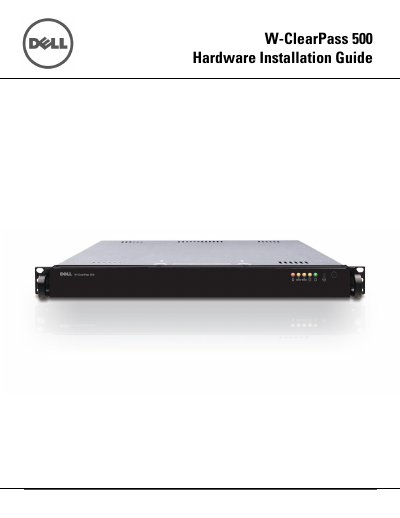
The Dell W-ClearPass 500 Hardware Installation Guide provides detailed instructions for the physical setup of the appliance. It includes essential safety notices, electrical requirements, and guidelines for preparing the installation site to ensure proper airflow and mechanical stability.
The document covers the complete installation process, including unpacking the appliance, installing rails for both 2-post and 4-post rack configurations, mounting the device in a rack, and managing rear panel connections and front panel operations.
| Voltage | 100 - 240 VAC (auto-range) |
|---|---|
| Frequency | 50/60 Hz |
| Operating Temperature | 10 to 35oC |
| Operating Humidity | 8 to 90% (non-condensing) |
The appliance requires an operating temperature between 10 to 35oC and non-condensing humidity between 8 to 90%.
Approximately 25 inches of clearance is required in the front and 30 inches in the back of the rack.