
Dell Vostro 3905 Laptop Quick Start Guide

Dell Vostro 3905 Laptop Quick Start Guide
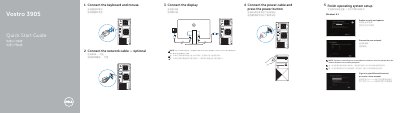

Dell Vostro 3905 Laptop Quick Start Guide - cover page
Brand
DELL
Category
Laptops
Document type
Quick Start Guide
Language
English
Pages
2
File format
PDF
File size
1.6 MB
Published
25 November, 2023
Updated
25 November, 2023
MD5 checksum
4DCA9FAB3B20A63223B57FEA3389E994

About this manual

This Quick Start Guide covers the initial setup process for the Dell Vostro 3905 laptop. It details how to connect essential peripherals such as the keyboard, mouse, network cable, and power cable. The guide also explains how to connect the display, noting specific instructions for models equipped with discrete graphics cards.

What's inside

  • Finish operating system setup
  • Enable security and updates
  • Connect to your network
  • Sign in to your Microsoft account
  • Connect the keyboard and mouse
  • Connect the display
  • Features
  • Locate Dell apps in Windows 8.1
  • Set up password for Windows

Frequently asked questions

What should I do if I am connecting to a secured wireless network?

You must enter the password for the wireless network access when prompted.

Where should I connect the display if my computer has a discrete graphics card?

Connect the display to the discrete graphics card.

Download PDF (1.6 MB)

More DELL Manuals


View all DELL manuals →