
The Dell Vostro 3478 Quick Start Guide introduces the features and specifications of the product.
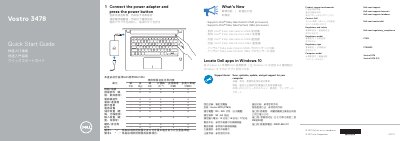
This quick start guide covers the Dell Vostro 3478 notebook computer. It explains how to connect the power adapter and press the power button, and points users to Dell product support, manuals, Windows support, contact information, and regulatory and safety details.
The guide lists the computer's features, including the camera, USB ports, HDMI and VGA ports, network port, optical drive, memory card reader, fingerprint reader, touchpad, speakers, battery, and service tag label. It also provides regulatory information such as model P76G and type P76G002.
| Computer model | Vostro 3478 |
|---|---|
| Rated voltage | 100 - 240 volts AC |
| Rated frequency | 50 - 60 Hz |
| Rated input current | 1.3 A / 1.6 A / 1.7 A |
Connect the power adapter and press the power button.
SupportAssist scans, optimizes, updates, and gets support for your computer.
The computer model is Vostro 3478.