
Dell PowerVault 124T LTO4-120 SAS Autoloader User's Guide

The Dell™ PowerVault™ 124T LTO4-120 SAS Autoloader User's Guide describes how to install and operate the autoloader.
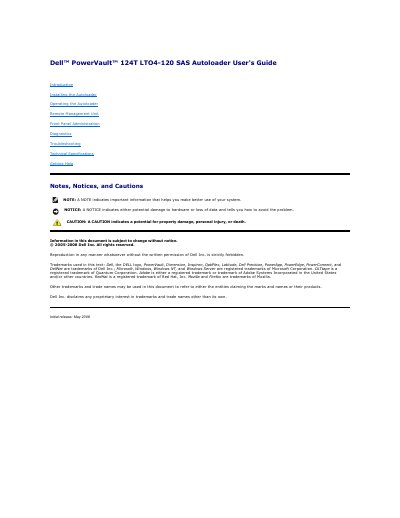

Dell PowerVault 124T LTO4-120 SAS Autoloader User's Guide - cover page
Brand
DELL
Category
Storage devices
Document type
User Manual
Language
English
Pages
64
File format
PDF
File size
1.3 MB
Published
25 November, 2023
Updated
25 November, 2023
MD5 checksum
E150793A6BBCE506EB3FF377A4B22B10

About this manual

This user's guide covers the Dell PowerVault 124T LTO4-120 SAS Autoloader, including installation, operation, remote management, front panel administration, diagnostics, troubleshooting, and technical specifications.

It explains front panel configuration, Ethernet and IP address settings, SNMP server setup, administrator and operator passwords, barcode reader settings, and how to contact Dell Support for help.

What's inside

  • Introduction
  • Installing the Autoloader
  • Operating the Autoloader
  • Remote Management Unit
  • Front Panel Administration
  • Diagnostics
  • Troubleshooting
  • Technical Specifications
  • Getting Help
  • Notes, Notices, and Cautions

Frequently asked questions

What is the default IP address of the autoloader?

The default IP address is static and set to 192.168.20.128.

What are the default front panel passwords?

The Administrator password is 000000 and the Operator password is 111111.

Can the autoloader use DHCP for its IP address?

Yes, Dynamic Host Configuration Protocol (DHCP) can be used to change the IP address.

What happens to the green LED during power-on self-test?

The left green LED flashes during the POST.

Download PDF (1.3 MB)

More DELL Manuals


View all DELL manuals →