
The Dell Latitude 3490 Quick Start Guide provides information on connecting the power adapter, pressing the power button, product support and manuals, regulatory and safety, regulatory model, regulatory type, computer model, and new features.
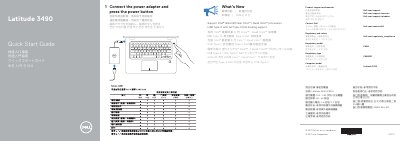
This guide helps you set up your Dell Latitude 3490 laptop. Connect the power adapter and press the power button to start. The guide lists ports, features, and safety information. It also includes regulatory details and contact info for support.
| Computer Model | Latitude 3490 |
|---|---|
| Processor Support | Intel® latest 8th Gen Core™ i Quad Core™ processors |
| USB Type-C Support | Full Type-C Dell docking support |
Connect the power adapter and press the power button.
It has VGA, USB 2.0, SD card slot, HDMI, USB 3.1 Gen 1 (Type-C), and more.