
The Dell Latitude 3190 Quick Start Guide introduces the features and characteristics of this laptop.
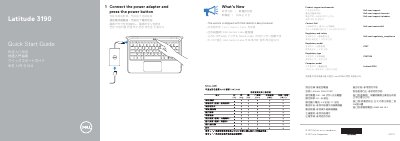
This Quick Start Guide is for the Dell Latitude 3190 laptop. It explains how to connect the power adapter and press the power button, and lists product support, contact, and regulatory information.
The guide also shows the system features, such as the camera, microphone, power button, Noble Wedge lock slot, touchpad, USB 3.1 Gen 1 ports, HDMI port, and Service Tag label. The system is shipped with an Intel Gemini Lake processor.
| Processor | Intel Gemini Lake processor |
|---|---|
| USB ports | USB 3.1 Gen 1 ports |
| Audio jack | Universal audio jack |
| Lock slot | Noble Wedge lock slot |
| Service tag | Service Tag label |
It uses an Intel Gemini Lake processor.
Visit Dell.com/support and Dell.com/support/manuals.
It is the Service Tag label.