
Dell laptop quick start guide, introduces how to connect the power adapter and press the power button.
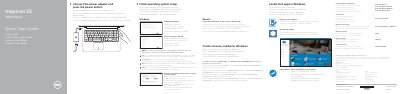
This guide helps you set up your Dell Inspiron 15-3558 laptop. Connect the power adapter and press the power button to start. Follow on-screen instructions to complete Windows or Ubuntu setup. Configure network settings, create recovery media, and register your device. The guide includes a diagram of ports and controls for easy reference.
| Model | Inspiron 15-3558 |
|---|---|
| Input Voltage | 100 V AC–240 V AC |
| Input Frequency | 50 Hz–60 Hz |
| Output Voltage | 19.50 V DC |
| Country of Origin | Made in China |
Connect the power adapter and press the power button.
Follow the on-screen instructions to complete setup for Windows or Ubuntu.
The service tag label is located on the bottom of the laptop, near the battery compartment.
Available ports include HDMI, USB 3.0, USB 2.0, Ethernet, audio jack, and optical drive.