
Dell Latitude 5175/5179 Laptop Quick Start Guide
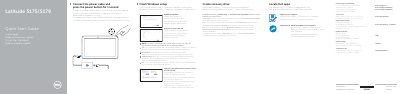
This Dell Latitude 5175/5179 Laptop Quick Start Guide explains how to connect the power cable, turn on the computer, finish Windows setup, enable Dell updates, connect to a network, sign in to a Microsoft account, locate Dell apps, and create a recovery drive.
It also identifies the locations of buttons, ports, cameras, card slots, and other features on the Latitude 5175 and Latitude 5179, including model-specific items such as the NFC sensor, fingerprint reader, and smart-card reader.
| Computer model | Latitude 5175/5179 |
|---|---|
| Regulatory model | T04E |
| Regulatory type | T04E001 |
| NFC sensor | Latitude 5175 only |
Connect the power cable and press the power button for 1 second.
In Windows search, type Recovery, click Create a recovery drive, and follow the on-screen instructions.
The fingerprint reader and smart-card reader are available on the Latitude 5179 only.