
The Dell Precision 5520 Quick Start Guide provides information on how to use the Dell Precision 5520 laptop.
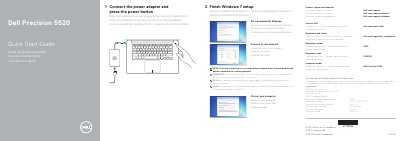
This quick start guide helps users begin using the Dell Precision 5520 by connecting the power adapter, completing Windows 7 setup, setting a password, connecting to a network, and protecting the computer.
It also lists product features such as ports and controls, provides product support and manual links, and includes regulatory and safety information.
| Regulatory model | P56F |
|---|---|
| Regulatory type | P56F001 |
| Computer model | Dell Precision 5520 |
| Input voltage | 100 V AC-240 V AC |
| Input current (maximum) | 1.8 A |
| Input frequency | 50 Hz-60 Hz |
| Output current | 6.67 A |
| Output voltage | 19.5 V DC |
Connect the power adapter and press the power button.
Dell provides product support and manuals through Dell.com/support and Dell.com/support/manuals.
The regulatory model is P56F.