
The Dell W-IAP277 Instant Access Point (IAP) is an environmentally hardened, outdoor rated, dual-radio IEEE 802.11ac wireless access point (AP).
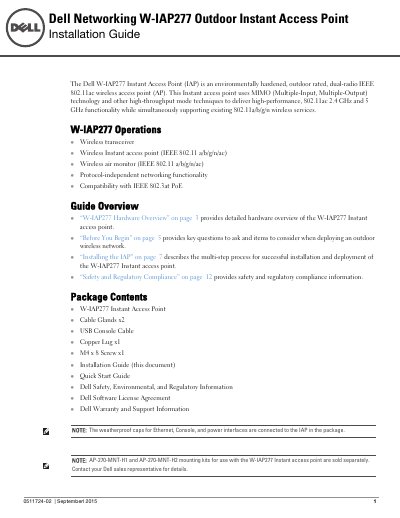
The Dell W-IAP277 is an environmentally hardened, outdoor-rated, dual-radio IEEE 802.11ac wireless access point. It uses MIMO and other high-throughput techniques to provide 2.4 GHz and 5 GHz 802.11ac functionality while supporting existing 802.11a/b/g/n wireless services, and it can operate as a wireless transceiver, Instant access point, wireless air monitor, and protocol-independent networking device with IEEE 802.3at PoE compatibility.
This guide covers the W-IAP277 hardware overview, pre-deployment outdoor planning, wall or pole mounting, grounding, Ethernet and AC power interfaces, USB console access, reset procedure, LED status, and safety and regulatory compliance. The package includes the access point, cable glands, USB console cable, copper lug, screw, and related documentation; AP-270-MNT-H1 and AP-270-MNT-H2 mounting kits are sold separately.
| AC power input | 100-240 VAC |
|---|---|
| Ethernet ports | Two 10/100/1000Base-T (RJ-45) Gigabit Ethernet ports |
| WAN PoE | IEEE 802.3at, 48 VDC (nominal) |
| Console baud rate | 9600 |
| Grounding wire | #8 AWG |
| System LED | One LED indicating IAP system status |
Power off the IAP, press and hold the reset button with a small narrow object, power on without releasing it, then release after the LED flashes; the IAP continues booting with factory default settings.
Use 9600 baud, 8 data bits, no parity, 1 stop bit, and no flow control.
No, the AP-270-MNT-H1 and AP-270-MNT-H2 mounting kits are sold separately.
It supports AC power in the range of 100-240 VAC, and the power cord or power connector kit is sold separately.