
This document describes the specifications and features of a Dell computer.
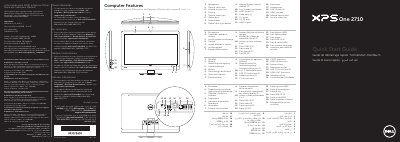
This guide helps you set up your Dell XPS One 2710 computer. It includes instructions for connecting power, setting up wireless peripherals, recording your Windows password, and locating your service tag. The guide is multilingual, supporting Spanish, French, German, Italian, and other languages.
The computer features a microphone, camera, optical drive, USB 3.0 ports, HDMI ports, and infrared ports. It also includes a security cable slot and network port for connectivity. This manual is written in Spanish.
Connect the power cable to the power port on the back of the computer.
The computer has USB 3.0 ports, HDMI-in and HDMI-out ports, TV-in port, S/P DIF port, network port, and infrared ports.