
Inspiron 13 7000 Series Notebook Quick Start Guide.
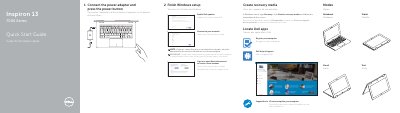
This guide helps set up the Dell Inspiron 13 7000 Series notebook, including connecting the power adapter, finishing Windows setup, enabling Dell updates, connecting to a network, signing in, locating Dell apps, and creating recovery media. It also identifies the notebook's ports, controls, camera, microphones, and other features, and lists shortcut-key functions.
Regulatory information identifies the computer model as Inspiron 13-7353 and lists power-adapter input and output ratings. Support and manual links are provided at Dell.com/support.
| Computer model | Inspiron 13-7353 |
|---|---|
| USB port with PowerShare | USB 3.0 port with PowerShare |
| HDMI port | HDMI port |
| Headset port | Headset port |
| Media-card reader | Media-card reader |
| Ambient-light sensor | Ambient-light sensor |
| Power adapter input voltage | 100-240 V AC |
| Power adapter input frequency | 50-60 Hz |
| Power adapter input current | 1.30 A |
| Power adapter output voltage | 19.50 V DC |
| Power adapter output current | 2.31 A |
In Windows search, type Recovery, click Create a recovery media, and follow the instructions on the screen.
See Specifications at Dell.com/support.
The computer model is Inspiron 13-7353.