
Inspiron 15 3000 Series Quick Start Guide
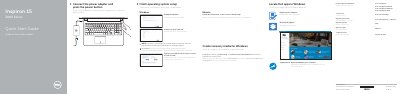
This document serves as a Quick Start Guide for the Dell Inspiron 15 3000 Series laptop. It outlines the initial steps to get the device running, including connecting the power adapter, pressing the power button, and configuring the operating system (Windows, Ubuntu, or Linux). It also instructs users on how to register the computer, enable updates, and connect to a network.
Connect the power adapter and press the power button.
Enter the password for the wireless network access when prompted.
In Windows search, type Recovery, click Create a recovery media, and follow the instructions on the screen.
Sign in to your Microsoft account or create a local account.