
OptiPlex 7050 Micro Desktop Quick Start Guide
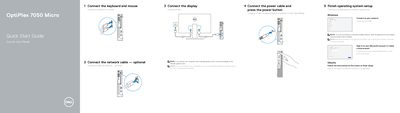
The Dell OptiPlex 7050 Micro Quick Start Guide provides a step-by-step process for setting up the desktop, including connecting peripherals, network cables, and displays, as well as completing the operating system setup for Windows or Ubuntu.
The document also details the hardware features of the device, identifying various ports and connectors such as USB 3.0, HDMI, DisplayPort, and the power button.
| Regulatory model | D10U |
|---|---|
| Regulatory type | D10U002 |
Connect the display to the discrete graphics card.
The display should be connected to the discrete graphics card.
You must enter the password for the wireless network access when prompted.