
OptiPlex 7050 Micro Desktop Quick Start Guide
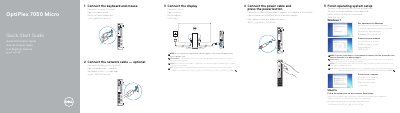
This guide helps you set up your Dell OptiPlex 7050 Micro desktop. Connect peripherals like keyboard, mouse, display, and network cable. If using a discrete graphics card, connect the display to it. Power on the system and complete OS setup by following on-screen instructions. The guide also covers connecting to a network and protecting your computer.
The guide includes a diagram of ports and connectors, such as USB 3.0, DisplayPort, HDMI, and Kensington security slot, to help with physical setup.
If you ordered your computer with a discrete graphics card, connect the display to the discrete graphics card.
Ports include USB 3.0 Type-C, USB 3.0 with PowerShare, VGA, Serial, PS/2, DisplayPort, HDMI, power connector, network, and Kensington security slot.