
Dell Computer Getting Started Guide for Microsoft Windows Vista

This document is a manual for Dell computers, which introduces how to use Dell computers and precautions.
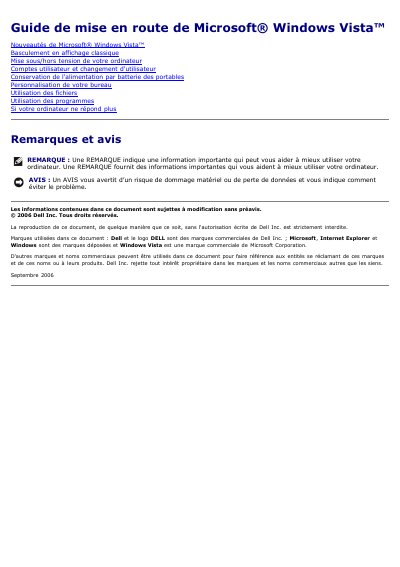

Dell Computer Getting Started Guide for Microsoft Windows Vista - cover page
Brand
DELL
Document type
Quick Start Guide
Language
French
Pages
18
File format
PDF
File size
145 KB
Published
24 November, 2023
Updated
24 November, 2023
MD5 checksum
75D12F0F3B7DC01FF7A12577DB42242B

About this manual

This Dell guide helps users get started with Microsoft Windows Vista on a Dell computer. It highlights differences from earlier Windows versions, including the Start button, Windows Easy Transfer, sleep mode, and User Account Control.

It also describes classic menu bars, right-click desktop options, the desktop sidebar, and where to find full Windows Vista documentation. The guide assumes Windows Vista Home Basic is installed. This manual is written in French.

What's inside

  • Nouveautés de Microsoft Windows Vista
  • Bouton Démarrer
  • Assistant de transfert de fichiers
  • Remplacement de l'option Mettre en veille par l'option Mise en veille
  • Amélioration de la sécurité grâce à la commande de compte utilisateur
  • Remplacement de la barre de menus classique par une nouvelle barre de menus et une nouvelle conception de la fenêtre
  • Davantage d'options accessibles par un clic droit sur le bureau
  • Nouvel encadré disponible sur le bureau

Frequently asked questions

How do I start Windows Easy Transfer?

Click the Start button, click Windows Easy Transfer, click Continue when prompted, then follow the wizard instructions.

How do I show the classic menu bar in Internet Explorer?

Launch Internet Explorer, then select Menu Bar from the Tools drop-down menu.

How do I add a gadget to the desktop sidebar?

Right-click the sidebar, select Add Gadgets, then double-click the gadget to add.

What does User Account Control require when enabled?

When UAC is enabled, it requires users to provide a password when performing functions that require greater access to the operating system.

Download PDF (145 KB)

More DELL Manuals


View all DELL manuals →