
The Dell Vostro 15 3000 Series Quick Start Guide describes how to connect the power adapter, finish Windows 10 setup, enable support and protection, and connect to a network.
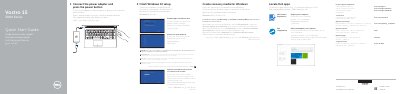
This quick start guide helps set up a Dell Vostro 15 3000 Series computer, including connecting power, completing Windows 10 setup, enabling support and protection, connecting to a network, and creating recovery media.
It also identifies the computer's features and shortcut keys and points to Dell apps, product registration, SupportAssist, manuals, and contact information.
| USB 2.0 connectors | USB 2.0 connectors |
|---|---|
| USB 3.0 connector | USB 3.0 connector |
| VGA connector | VGA connector |
| Network connector | Network connector |
| Memory card reader | Memory card reader |
| Optical drive | Optical drive |
In Windows search, type Recovery, click Create a recovery drive, and follow the instructions on the screen.
Use Product Registration to register your computer.
See the Owner’s Manual at Dell.com/support/manuals.
The features list identifies the Service Tag label as item 18.