
OptiPlex 7440 All-in-One Quick Start Guide.
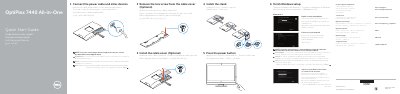
The Dell OptiPlex 7440 All-in-One Quick Start Guide provides step-by-step instructions for setting up the computer, including connecting power cables, installing the stand, and completing the Windows setup process.
It includes a detailed map of the device's external features, such as USB 3.0 and 2.0 connectors, HDMI ports, and various status lights, as well as information on available Dell software for backup and system updates.
Enter the password for the wireless network access when prompted during setup.
More information is available in the Owner's Manual at dell.com/support.