
The guide describes how to set up and use a Dell computer.
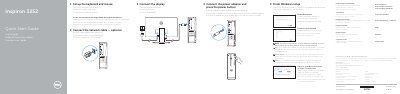
This quick start guide helps set up the Dell Inspiron 32525 computer, including connecting the network cable, display, power adapter, keyboard, and mouse, then finishing Windows setup and enabling Dell updates.
It also identifies the computer's ports and features, explains how to create recovery media and locate Dell apps, and provides regulatory, safety, and support information.
| USB 3.0 ports | 2 |
|---|---|
| USB 2.0 ports | 4 |
| Audio ports | 3 |
| Power supply voltage | 100 V AC-240 V AC |
| Power supply frequency | 50 Hz-60 Hz |
| Output voltage | 19.50 V DC |
| Output current | 3.34 A |
In Windows search, type Recovery, click Create a recovery media, and follow the instructions on the screen.
Enter the password for the wireless network access when prompted.
Use Dell.com/support, Dell.com/support/manuals, and Dell.com/support/windows.