
Dell Display Manager is a Microsoft Windows application used to manage a monitor or a group of monitors. It allows manual adjustment of the displayed image, assignment of automatic settings, power management, window organization, image rotation and other features specific to Dell monitors.
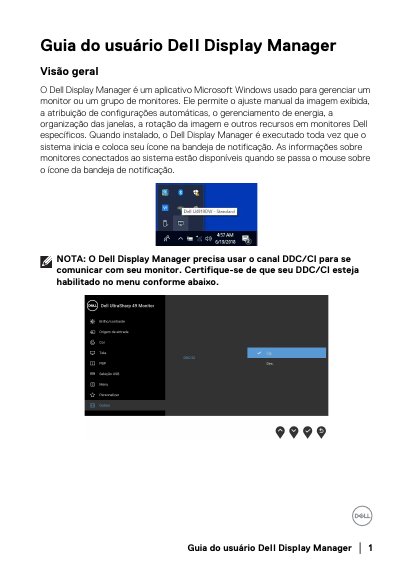
Dell Display Manager is a Microsoft Windows application for managing a Dell monitor or a group of Dell monitors. It supports manual image adjustment, automatic preset modes, power management, window organization, image rotation, and other features on supported Dell monitors.
The guide covers quick settings, basic display functions, assigning preset modes to applications, Easy Arrange window layouts, multiple video inputs, PBP, USB upstream assignment, restoring application window positions, PowerNap power saving, and troubleshooting. This manual is written in Portuguese.
| Operating system | Microsoft Windows |
|---|---|
| Monitor communication | DDC/CI channel |
| Supported monitors | Dell-branded monitors only |
No, Dell Display Manager works only with Dell-branded monitors.
The monitor's DDC/CI channel must be enabled.
No, applications must remain running; Dell Display Manager does not open applications.
Dell monitor models before 2013 and the D series, NVIDIA G-sync gaming monitors, virtual and wireless displays, and some older DP 1.2 monitors.