
The document is a user manual for the TOWER DVD player. The player has the following features: 1. Supports multiple formats of DVD discs; 2. Has an HDMI output interface; 3. Has a coaxial output interface; 4. Has a left and right channel output interface; 5. Has a USB interface; 6. Has a remote control.
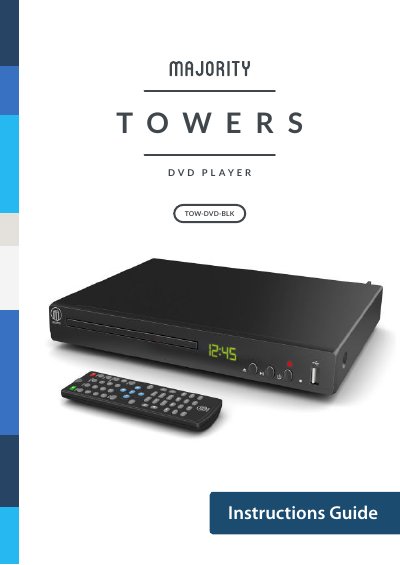
The Majority TOW-DVD-BLK DVD Player features a front panel with a disc tray, LED, USB port, and HDMI, coaxial, and RCA outputs. It is operated using the included remote control and supports DVD, CD, CD-R, CD-RW, DVD+R, DVD+RW discs as well as MP3, JPEG, and MPEG-4 files from USB.
The guide explains how to connect the player to a TV or stereo, start disc and USB playback, adjust system, general, audio, video, and preference settings, troubleshoot common problems, and register the product for a 12-month warranty at www.majorityradios.co.uk.
| Power Supply | AC 110-240V 0.5 A |
|---|---|
| Frequency Response | ~ 50/60 Hz |
| Compatible Disc Formats | CD/CD-R/CD-RW/DVD+R/DVD+RW |
The box contains the Majority Towers DVD Player, Remote Control, RCA AV cable, and Instruction Manual.
Connect an RCA cable between the Video, Left and Right Output on the back panel and the RCA input on your TV, or connect an HDMI cable between the HDMI Output and the HDMI input on your TV.
All products come with a standard 12 month warranty, which can be extended by 24 months free of charge after registration.
Register the item on www.majorityradios.co.uk and use the menu to find 'Register Your Product'.