
This is a user manual for a Bluetooth Internet radio
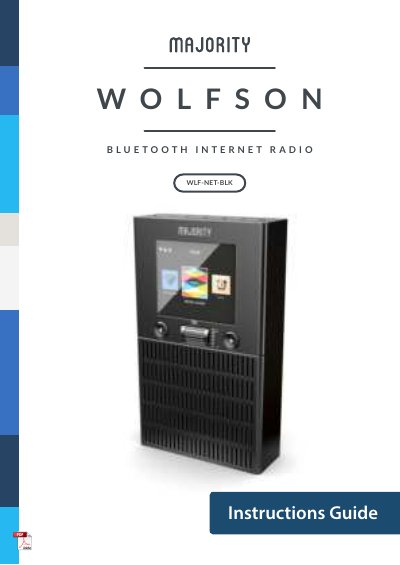
This manual provides instructions for the Majority WLF-NET-BLK Bluetooth Internet Radio. It details the contents of the box, control functions, and basic operation procedures including startup and language selection. The guide explains how to configure WiFi connections using either manual password entry or WPS (Wi-Fi Protected Setup).
| Power Supply | DC 12V 2A |
|---|---|
| Network | 802.11b / g / n |
| Encryption | WEP, WPA, WPA 2 (PSK), WPS |
| Dimensions | 33 x 14.5 x 12 cm |
| Weight | 210.5g |
| Warranty | 12 months |
You can manually enter the WiFi password or use WPS to connect within 120 seconds of pressing the WPS button on your router.
Press the Standby button to turn the radio on or off. The Standby screen displays the time, date, and settings.
All products come with a standard 12 month warranty, which requires registration on the website to be valid.