
This document is a SCHOLARS DVD PLAYER instruction manual.
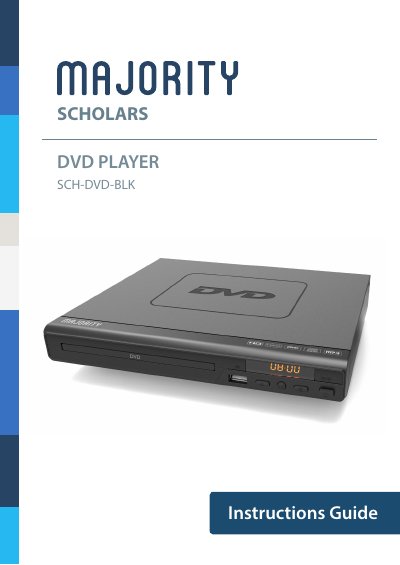
This instruction guide for the Majority Scholars SCH-DVD-BLK DVD player describes the front and rear panel controls, the remote control buttons and how to fit its batteries, the box contents, and how to contact Majority support through the majorityradios.co.uk website.
The guide then explains cable connection options using RCA audio, HDMI or Y Pb/Cb Pr/Cr output, DVD and USB operation, playback of JPEG/picture CDs and MP3 discs, the five system set-up menus, troubleshooting, specifications and warranty registration.
| Power Supply | AC 100-240V 0.5A |
|---|---|
| Power Consumption | <15W |
| Dimensions (W x H x D) | 22.5 x 19 x 4.5 cm |
| Weight | 742g |
| Compatible Connections | HDMI, A/V RCA Output, USB Input, (Y Pb/Cb Pr/Cr) R/L/Video |
| Compatible DVD/Video Formats | DVD, DVD-R-RW, CD Video, Mpeg4, DivX |
| Compatible Audio Formats | Mp3, WMA, CD Audio, CD-R-RW, CD |
| Compatible Photo Formats | Jpg, Jpeg, CD Photo |
The box contains the Majority Scholars DVD player, a remote control, an RCA AV cable and the instruction guide.
The remote control requires 2 x AAA batteries, which should be removed if it is not used for long periods.
Point the remote at the sensor on the front of the player, with no obstacles in between, and keep the distance under 3m.
All products come with a standard 12 month warranty, and items must be registered on www.majorityradios.co.uk for it to be valid.