
Key facts
- Manuals
- 5
- Languages
- EN
- Last added
- 2026-11-02
Featured MAJORITY manuals
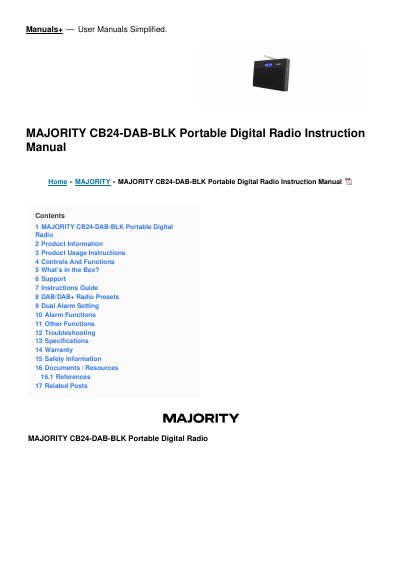
Majority CB24-DAB-BLK Portable Digital Radio Instruction Manual
This manual provides instructions for the Majority CB24-DAB-BLK Portable Digital Radio, also referred to as the Majority Histon II. It covers product information, usage instructions, and controls and functions. The device supports DAB/DAB+ and FM radio modes, features a dual alarm system, and includes preset storage capabilities.
Covers: Product Information · Product Usage Instructions · Controls And Functions · DAB/DAB+ Radio · DAB/DAB+ Radio Presets · FM Radio
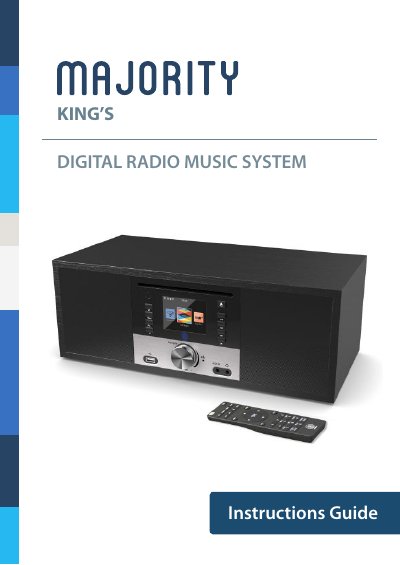
Majority King's Digital Radio Music System User Manual
The Majority King's Digital Radio Music System is a versatile audio device featuring Internet radio, FM, DAB/DAB+, CD player, and media centre capabilities. The manual details the contents of the box, including the remote control and power adapter, and explains the functions of the front and back panel controls such as the volume dial, keypad, and various media buttons.
The guide covers basic operation, including how to start up the unit, select languages, and configure WiFi for internet streaming. It also provides specific instructions for using different radio modes, setting up favourites, and utilizing additional features like the equaliser and sleep timer, along with troubleshooting tips and safety information.
Covers: What's in the Box · Controls And Functions · Basic Operation · Internet Radio · FM Radio · DAB/DAB+ Radio
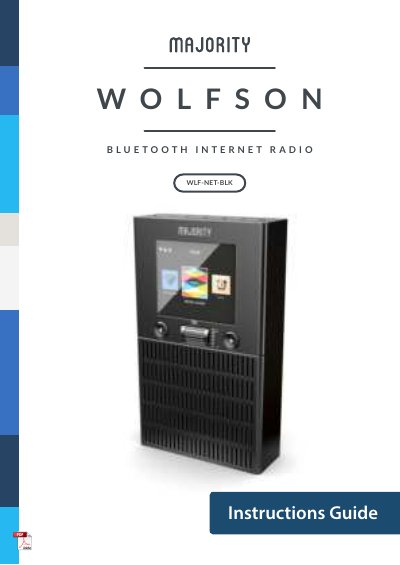
Majority WLF-NET-BLK Bluetooth Internet Radio User Manual
This manual provides instructions for the Majority WLF-NET-BLK Bluetooth Internet Radio. It details the contents of the box, control functions, and basic operation procedures including startup and language selection. The guide explains how to configure WiFi connections using either manual password entry or WPS (Wi-Fi Protected Setup).
Covers: What's in the Box · Controls And Functions · Basic Operation · WiFi Set-up · Internet Radio · Media Centre
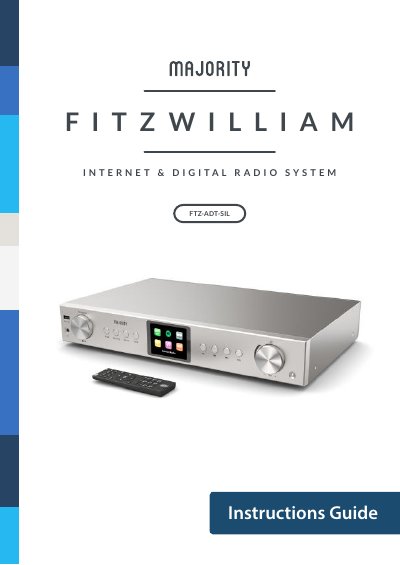
Majority FTZ-ADT-SIL Internet Radio Operating Instructions
This manual provides instructions for the Majority FTZ-ADT-SIL Internet Radio, an all-in-one audio system featuring WiFi, DAB/DAB+, FM, Bluetooth, and Internet Radio capabilities. The guide details the contents of the box, control panel functions, and remote control usage.
Covers: What's in the Box · Controls And Functions · Basic Operation · Connecting to WiFi · Internet Radio · Spotify Connect
Latest MAJORITY manuals
Majority CB24-DAB-BLK Portable Digital Radio Instruction Manual
User Manual 11 pages · 326 KB · ENUser manual for the Majority CB24-DAB-BLK portable digital radio, covering setup, DAB/FM operation, alarm settings, and troubleshooting.
Majority King's Digital Radio Music System User Manual
User Manual 39 pages · 909 KB · ENThis user manual provides instructions for the Majority King's Digital Radio Music System, covering setup, operation of FM/DAB/Internet radio, CD playback…
Majority WLF-NET-BLK Bluetooth Internet Radio User Manual
User Manual 58 pages · 572 KB · ENUser manual for the Majority WLF-NET-BLK Bluetooth Internet Radio, covering setup, operation, and troubleshooting.
Majority FTZ-ADT-SIL Internet Radio Operating Instructions
User Manual 43 pages · 382 KB · ENOperating instructions for the Majority FTZ-ADT-SIL Internet Radio, covering setup, navigation, connectivity, and troubleshooting.
Majority EDD-DAB-BLK Portable Digital Radio User Manual
User Manual 26 pages · 374 KB · ENThis user manual covers the setup, operation, and troubleshooting of the Majority EDD-DAB-BLK portable digital radio, including DAB/DAB+, FM, and Bluetooth…
Which document do I need?
User Manual
Day-to-day operation, settings and troubleshooting. Start here if the product is already set up.
Questions answered in MAJORITY manuals
How do I turn on the unit?
Press the 'Power' button to turn on the unit.
From: Majority CB24-DAB-BLK Portable Digital Radio Instruction Manual
How do I switch between DAB and FM modes?
Press the 'Mode' button to switch between DAB Radio and FM Radio.
From: Majority CB24-DAB-BLK Portable Digital Radio Instruction Manual
How do I register my product for warranty?
You must register your product on the website www.majorityradios.co.uk for the warranty to be valid.
From: Majority King's Digital Radio Music System User Manual
Can I extend the warranty?
Yes, you can extend the warranty for an additional 24 months free of charge during the registration process.
From: Majority King's Digital Radio Music System User Manual
How do I set up WiFi on the radio?
You can manually enter the WiFi password or use WPS to connect within 120 seconds of pressing the WPS button on your router.
From: Majority WLF-NET-BLK Bluetooth Internet Radio User Manual
How do I turn the radio on and off?
Press the Standby button to turn the radio on or off. The Standby screen displays the time, date, and settings.
From: Majority WLF-NET-BLK Bluetooth Internet Radio User Manual