
User instructions for the Majority Cottenham II DAB/DAB+/FM and Bluetooth radio, covering setup, presets, alarms, sleep timer, troubleshooting and…
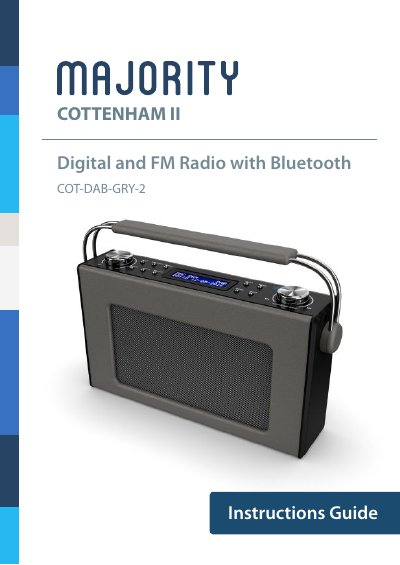
This is the instructions guide for the Majority Cottenham II, a DAB/DAB+ digital and FM radio with Bluetooth made by Majority. It walks through the controls and functions, box contents, basic operation, station scanning, storing and playing presets, Bluetooth mode, dual alarm settings, clock and date settings, sleep timer and additional functions.
The guide also covers battery portability, troubleshooting, specifications, warranty registration and safety information. The radio can run from the included DC 5V 1A power supply or from four D batteries.
| Power Supply | DC 5V 1A |
|---|---|
| Battery Supply | 4 x 1.5V D Batteries |
| DAB/DAB+ Band | Band III 5A-13F |
| FM Frequency Range | 87.5 MHz - 108 MHz |
| Output Connector | 3.5 mm Earphone Jack |
| Dimensions (WxHxD) | 28 x 18 x 8 cm |
| Net Weight | 1.5 kg |
Up to 10 different preset stations can be stored.
Yes, you can use 4 x D batteries inserted into the battery compartment at the bottom of the unit.
Press and release the Scan button; the radio scans the frequency band and stores all stations with a good signal.
All products come with a standard 12 month warranty, and registration on the Majority website allows an extension of an additional 24 months free of charge.