
The AS7408 is a multifunctional telephone with features such as incoming and outgoing call memory, 20 kinds of musical ringtones, hands-free function, HOLD function and alarm clock.
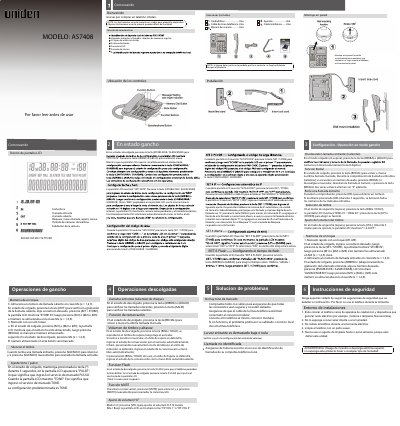
This manual provides step-by-step instructions for installing and operating the Uniden AS7408 telephone. It covers features like call memory, ringtones, volume control, and hold functions. Safety precautions are included to prevent damage from heat, moisture, or electrical interference. The guide also explains how to configure the LCD display, set date/time, and manage call logs. This manual is written in Spanish.
Press the (SET / STORE) key to display "SET1DATE". Use (UP) or (DOWN) to change the menu. Select the month and day using the same method.
Press (UP) or (DOWN) to select from 20 musical ring tones. Press (SET / STORE) to save your choice.
During a call, press (MUTE) to silence. Press (MUTE) again to resume the call.
Press (VOL) to adjust the volume. The LCD will show "HF VOL 1" or "HF VOL 2" for high or low volume settings.