
This manual provides instructions for operating the Uniden UM435 submersible marine radio, covering distress calls, DSC features, channel settings, and…
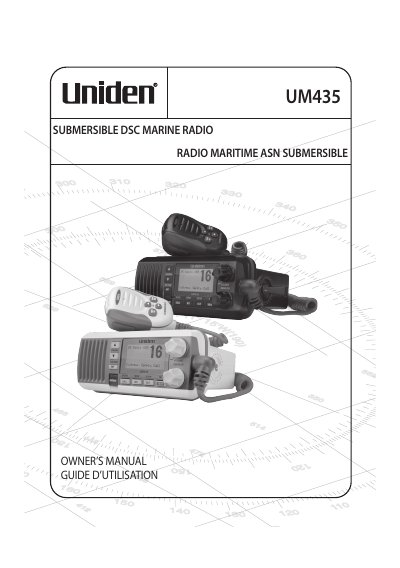
The Uniden UM435 is a submersible marine radio designed for use in the U.S., Canada, and international waters. It features advanced Digital Selective Calling (DSC) Class D functions, a large dot matrix display, and the ability to boost transmitter power from 1 watt to 25 watts. The device includes a memory scan mode and triple watch operation to monitor Coast Guard distress channels 16 and 9 in the background.
| Submersible Standard | IPX8 (1.5 meter of water for 30 minutes) |
|---|---|
| Transmitter Power | 1 watt to 25 watts |
| Watch Function | Triple Watch (Channels 16 and 9) |
Press and hold the DISTRESS button for three seconds, then speak slowly and clearly into the microphone to transmit your boat's location and situation.
It switches the radio to Channel 16 for voice distress calls or enables Triple Watch operation to monitor channels 16 and 9.
Yes, it complies with IPX8 submersible standards, allowing it to be submerged in 1.5 meters of water for 30 minutes without damage.