
Detailed user manual for the Uniden DFR7 long-range radar and laser detector with built-in GPS, covering installation, menu settings, features, and maintenance.
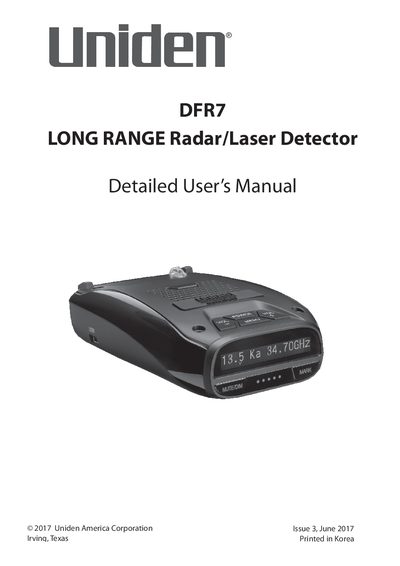
The Uniden DFR7 is a top-of-the-line radar detector featuring a built-in GPS system that allows users to mark geographical points such as school zones and red-light camera locations. It provides voice notifications for approaching radar transmissions and includes advanced filtering capabilities for K and Ka bands, along with Spectre I and IV undetectable technology.
| Power Input | 12V DC |
|---|---|
| Display Type | OLED |
| Mute Memory Capacity | 100 points |
| Eagle Eye Monitoring Radius | 360 ° |
Attach the rubber suction cups to the bracket and push them firmly onto the windshield, then slide the unit onto the bracket until it clicks into place.
Pressing MUTE/DIM mutes an alarm, which returns to normal operation 10 seconds after the alert ends or if a different band is detected.
Yes, you can save up to 100 Mute Memory points by pressing MUTE/DIM again while 'Mute On' displays on the screen.