
User manual for Uniden FP1100 corded telephone covering installation, operation, troubleshooting, and warranty.
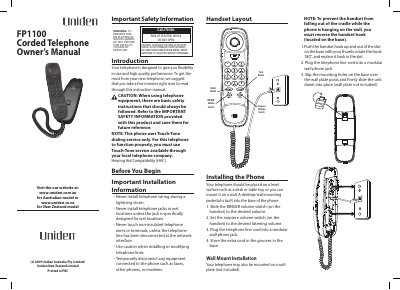
This manual provides step-by-step instructions for installing and operating the Uniden FP1100 corded telephone. It includes safety warnings, handset controls, wall mounting instructions, and troubleshooting tips for common issues like no dial tone or poor call quality. The document also covers warranty terms and service contacts for Australia and New Zealand.
Key features include touch-tone dialing, adjustable ringer and earpiece volume, and compatibility with call waiting services. The manual advises users to avoid moisture, direct sunlight, and rough handling to maintain performance and warranty eligibility.
Pick up the handset and wait for a dial tone, then press the redial button.
In Australia, press flash then 2; in New Zealand, press the flash button.
Press and release the hook switch. Check if the hook switch fully extends when the handset is lifted.
One year from the date of original retail sale, for the original purchaser in Australia or New Zealand.