
Instructions for setting up the Uniden UDR444 Wireless Video Surveillance Camera for remote viewing via Skype, including driver installation and account…
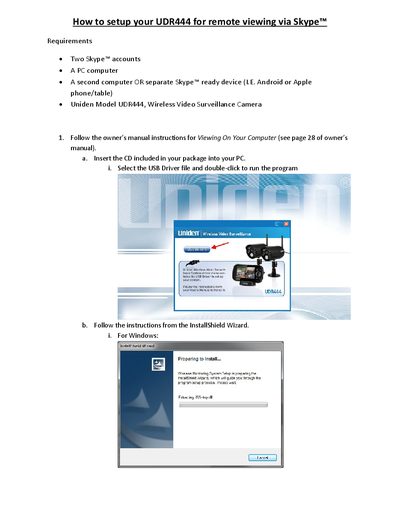
This guide explains how to set up the Uniden UDR444 Wireless Video Surveillance Camera for remote viewing using Skype. It covers the requirements, including the need for two Skype accounts and a PC, and details the initial driver installation process.
You need two Skype accounts, a PC computer, a second computer or Skype-ready device, and the Uniden Model UDR444 Wireless Video Surveillance Camera.
No, you must create a new Skype account specifically for the UDR444 and do not use an existing account.
Go to Tools, select Options, then Video settings, and choose Wireless Monitoring System from the dropdown box.