
The Dell™ Workgroup S2500 Laser Printer is an affordable, powerful printer that is perfect for small offices or home offices. It features:
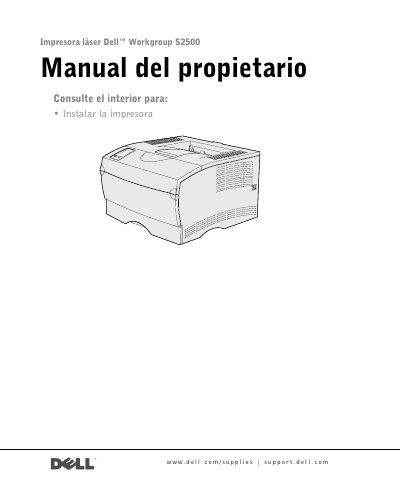
This Spanish-language owner's manual covers installation and setup of the Dell Workgroup S2500 laser printer. It includes unpacking, optional feeder and memory card installation, supply installation, paper loading, local and network printing setup, shared printing, tray configuration, and verification steps.
The manual also lists supported Windows versions for driver installation and describes network connection and IP address assignment options. This manual is written in Spanish.
The manual covers Windows XP, Windows 2000, Windows Me, Windows NT, Windows 98, and Windows 95 with USB or parallel cable connections.
Section 11 explains how to print a menu settings page and restore factory default settings.
Yes, section 8 covers connecting the printer to a network, assigning an IP address, and related network installation steps.