
Dell Inspiron 1501 Owner's Manual

The Dell™ Inspiron™ 1501 Owner's Manual provides information on using, maintaining, and troubleshooting your Dell™ Inspiron™ 1501 notebook computer.
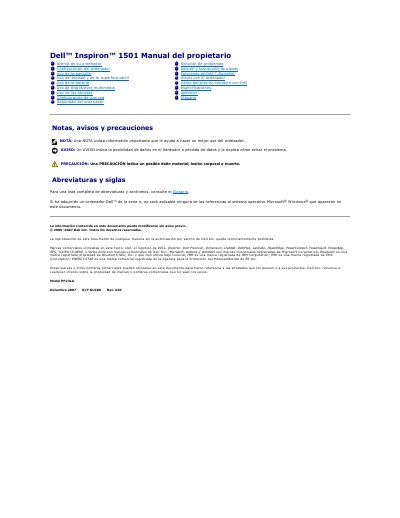

Dell Inspiron 1501 Owner's Manual - cover page
Brand
DELL
Category
Laptops
Document type
User Manual
Language
Spanish
Pages
102
File format
PDF
File size
1.7 MB
Published
24 November, 2023
Updated
24 November, 2023
MD5 checksum
A9DF13100B789B1B8D493AEF1B51382F

About this manual

This document is the Spanish Owner's Manual for the Dell Inspiron 1501 laptop. It provides comprehensive instructions for setting up the computer, using the screen, keyboard, touchpad, and multimedia devices, as well as configuring networks and managing security. The guide also includes troubleshooting steps and instructions for adding or replacing parts. This manual is written in Spanish.

What's inside

  • Acerca de su ordenador
  • Configuración del ordenador
  • Uso de la pantalla
  • Uso del teclado y de la superficie táctil
  • Uso de la batería
  • Uso de dispositivos multimedia
  • Configuración de una red
  • Seguridad del ordenador
  • Solución de problemas
  • Adición y sustitución de piezas

Frequently asked questions

What does a continuous green battery indicator mean when the computer is plugged in?

The battery is charging.

What does a blinking green battery indicator mean when the computer is plugged in?

The battery is almost fully charged.

What cards can the 3-in-1 multimedia card reader read?

It reads SDIO, MultimediaCard (MMC), and Secure Digital (SD) cards.

What can you add using the ExpressCard slot?

You can add an ExpressCard for WWAN connectivity.

Download PDF (1.7 MB)

More DELL Manuals


View all DELL manuals →