
This document describes the setup and operation instructions for the Dell™ printer.
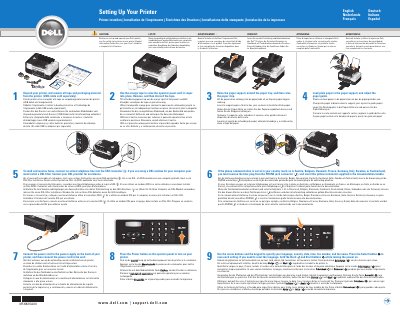
This document provides multilingual setup instructions for the Dell V505 printer. It covers unpacking, removing tape and packaging, raising the operator panel, loading paper, connecting the power cord, and entering initial settings.
It also explains when to remove the blue plug and insert the yellow terminator for serial phone communication, how to connect a telephone line for faxing, when a DSL filter is needed, and how to reset the language.
Hold the Back and Start buttons while turning the power on.
Remove the blue plug from the PHONE jack connector and insert the yellow terminator supplied with the documentation.
Connect an active telephone line into the FAX connector.
Press the Power button on the operator panel.