
The Dell XPS 13 laptop quick start guide describes how to connect the power adapter, turn on the computer, set up Windows, and register the computer.
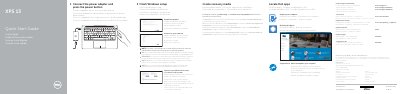
This Dell XPS 13 Quick Start Guide explains how to connect the power adapter, press the power button, finish Windows setup, enable Dell updates, connect to a network, and sign in to a Microsoft account or create a local account.
It also identifies laptop features such as the camera, USB 3.0 ports, Mini DisplayPort, headset port, media-card reader, security-cable slot, and power button, and lists shortcut keys for audio, display, search, and wireless functions.
| Input voltage | 100 V CA–240 V CA |
|---|---|
| Frequency | 50 Hz–60 Hz |
| Input current | 1,30 A |
| Output voltage | 19,50 V CC |
Connect the power adapter and press the power button.
In Windows search, type Recovery, then click Create a recovery media and follow the on-screen instructions.