
Dell Inspiron 20 Quick Start Guide

The Dell Inspiron 20 is a desktop computer that comes with an Intel Core i5 processor, 8GB of memory, and a 1TB hard drive. It also has a 19.5-inch display and integrated graphics.
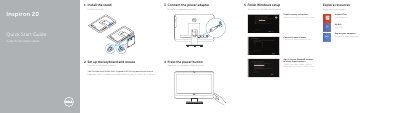

Dell Inspiron 20 Quick Start Guide - cover page
Brand
DELL
Category
All-in-One Desktops
Document type
Quick Start Guide
Language
English
Pages
2
File format
PDF
File size
166 KB
Published
24 November, 2023
Updated
24 November, 2023
MD5 checksum
70AB6F4281779E02B24629F4F38E86EB

About this manual

This document serves as a Quick Start Guide for the Dell Inspiron 20 computer. It provides instructions for installing the stand, setting up the keyboard and mouse, and completing the initial Windows setup process. Users are guided through enabling security updates, signing into a Microsoft account, and connecting to a network.

What's inside

  • Install the stand
  • Set up the keyboard and mouse
  • Finish Windows setup
  • Enable security and updates
  • Sign in to your Microsoft account
  • Connect to your network
  • Explore resources
  • Product features

Specifications

Model number3045
USB 3.0 ports2
USB 2.0 ports2

Frequently asked questions

How many USB 3.0 ports are included on the Inspiron 20?

The computer includes two USB 3.0 ports.

What is the maximum tilt angle for the display?

The display can be tilted up to 30 degrees.

Download PDF (166 KB)

More DELL Manuals


View all DELL manuals →