
Brocade 6520 Switch QuickStart Guide

This guide describes how to install and set up a Brocade 6520 switch in a single-switch configuration using EZSwitchSetup.
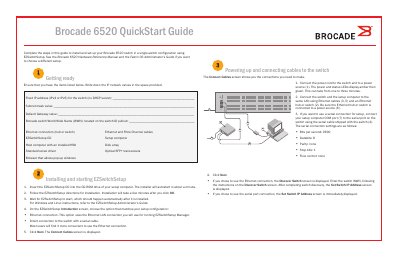

Brocade 6520 Switch QuickStart Guide - cover page
Brand
BROCADE
Category
Servers Computer
Document type
Quick Start Guide
Language
English
Pages
24
File format
PDF
File size
3.4 MB
Published
24 November, 2023
Updated
24 November, 2023
MD5 checksum
B61773EE15FC0ACEF8AEB0F3607B4153

About this manual

This document is a QuickStart Guide for the Brocade 6520 switch. It details the necessary items required for setup, such as the EZSwitchSetup CD, Ethernet and Fibre Channel cables, and specific transceivers. The guide focuses on a single-switch configuration using the EZSwitchSetup utility.

What's inside

  • Getting ready
  • Powering up and connecting cables
  • Installing and starting EZSwitchSetup
  • Setting the switch IP address
  • Setting the switch password
  • Configuring the zones
  • Connecting devices
Download PDF (3.4 MB)

More BROCADE Manuals


View all BROCADE manuals →