
OptiPlex 5250 All-in-One Quick Start Guide
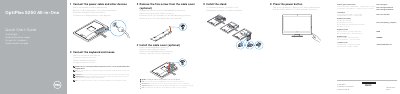
This guide provides instructions for setting up the Dell OptiPlex 5250 All-in-One computer. It covers connecting the power cable, attaching the keyboard and mouse, and installing the optional stand. Users are advised to consult specific documentation for wireless peripherals.
No, securing the cable cover with a Torx screw is optional.
You must enter the password for the wireless network access when prompted.