
Dell Vostro 14 3000 Series Laptop Quick Start Guide.
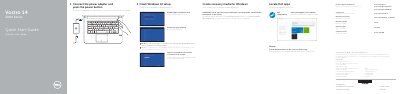
This document serves as a Quick Start Guide for the Dell Vostro 14 3000 Series laptop. It provides initial setup instructions, including connecting the power adapter, creating recovery media, and completing the Windows 10 setup process. The guide also directs users to Dell's support website for further assistance and manuals.
| Regulatory Model | P76G |
|---|---|
| Input Voltage | 100 V CA-240 V CA |
| Input Frequency | 50 Hz-60 Hz |
| Output Voltage | 19,5 V CC |
In Windows search, type Recovery, click Create a recovery media, and follow the instructions on the screen.
You can find product support and manuals at Dell.com/support or Dell.com/support/manuals.