
The Dell™ E178FP Flat Panel Monitor User's Guide provides information on how to use the monitor.
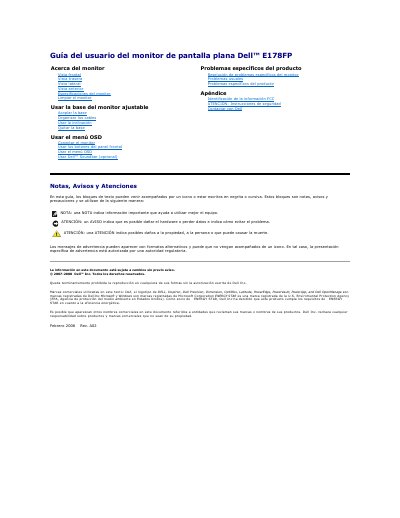
This document is the Spanish user's guide for the Dell E178FP flat panel monitor. It provides instructions on using the monitor, including connecting it, adjusting settings via the OSD menu, and utilizing the optional Dell Soundbar. The guide also explains how to attach the adjustable stand and organize cables. This manual is written in Spanish.
| Screen Size | 17 inches |
|---|---|
| Panel Type | Active Matrix - TFT LCD |
| Brightness | 300 cd/m² |
| Contrast Ratio | 800:1 |
| Response Time | 5 ms |
| Optimal Resolution | 1280 x 1024 @ 60 Hz |
| Power Input | 100 to 240 VAC |
| Weight (Monitor Only) | 3.69 kg |
A screen with between 1 and 5 static pixels is considered normal.
The maximum operating temperature is 35 C.
Yes, the optional Dell Soundbar can be coupled to the monitor.