
Dell PowerVault NX3100 NAS Solution Setup Guide

Dell™ PowerVault™ NAS Solution Setup Guide
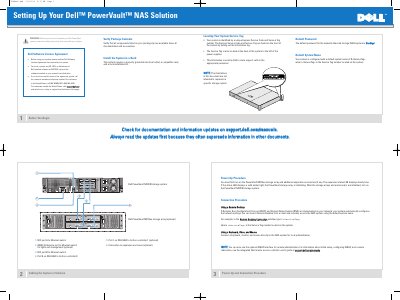

Dell PowerVault NX3100 NAS Solution Setup Guide - cover page
Brand
DELL
Category
Storage devices
Document type
User Manual
Language
English
Pages
2
File format
PDF
File size
2.4 MB
Published
23 November, 2023
Updated
23 November, 2023
MD5 checksum
52DF3DFA471B5F15A56CA2529D44C211

About this manual

This document provides instructions for setting up the Dell PowerVault NX3100 storage system, including verifying package contents, installing the system in a rack, and connecting power and network cables. It details the power-up procedure and how to access the system using Remote Desktop or direct keyboard and mouse connections.

What's inside

  • Before You Begin
  • Verify Package Contents
  • Install the System in a Rack
  • Cabling the System
  • Power-Up Procedure
  • Connection Procedure
  • Locating Your System Service Tag
  • Initial Configuration
  • System Configuration
  • Additional Information
Download PDF (2.4 MB)

More DELL Manuals


View all DELL manuals →