
Intel Active Management Technology v4.0 Administration Guide

Intel® Active Management Technology (Intel® AMT) enables businesses to easily manage their network-connected computers, regardless of whether the computer is on or off.
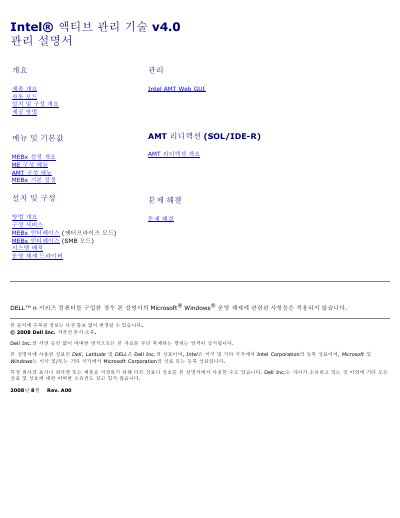

Intel Active Management Technology v4.0 Administration Guide - cover page
Brand
Intel
Category
Other software
Document type
User Manual
Language
Korean
Pages
141
File format
PDF
File size
7.7 MB
Published
22 November, 2023
Updated
22 November, 2023
MD5 checksum
6129E7CF5EC6D49B68E98011ABABF2FF

About this manual

This guide describes Intel Active Management Technology (Intel AMT) v4.0 and how it helps manage networked computers, including out-of-band access, remote troubleshooting, alerts, and asset tracking.

It covers operating modes, installation and configuration, provisioning states, MEBx menus and defaults, Web GUI access, redirection features, and troubleshooting. This manual is written in Korean.

What's inside

  • Overview
  • Operating Modes
  • Installation and Configuration Overview
  • Provisioning Methods
  • MEBx Setup Overview
  • ME Configuration Menu
  • AMT Configuration Menu
  • Intel AMT Web GUI
  • AMT Redirection (SOL/IDE-R)
  • Troubleshooting

Frequently asked questions

What operating modes does Intel AMT support?

Intel AMT can be installed in Enterprise mode or Small and Medium Business (SMB) mode.

In which operating modes can Intel AMT be installed?

It can be installed in Enterprise mode or Small and Medium Business (SMB) mode.

What hostname requirement applies when using dynamic IP networking?

The Intel AMT hostname and the operating system hostname must match.

Download PDF (7.7 MB)

More Intel Manuals


View all Intel manuals →