
Intel Active Management Technology (AMT) v4.0 Administrator's Guide

Intel® Active Management Technology (AMT) v4.0 Administrator's Guide
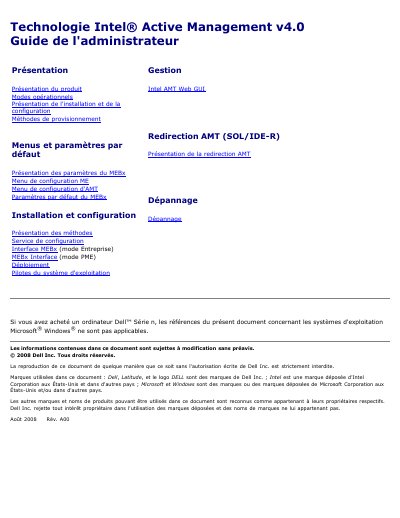

Intel Active Management Technology (AMT) v4.0 Administrator's Guide - cover page
Brand
Intel
Category
Other
Document type
Other
Language
French
Pages
141
File format
PDF
File size
7.5 MB
Published
22 November, 2023
Updated
22 November, 2023
MD5 checksum
1619E75A5D197758C22F3012B0F3190B

About this manual

Intel's administrator guide for Active Management Technology (AMT) v4.0 explains how to install and configure Intel AMT on Dell computers. It covers Enterprise and SMB operating modes, provisioning methods, MEBx menus and default settings, and remote management features.

The guide also describes installation states, configuration services, operating system drivers, the Intel AMT Web GUI, AMT redirection (SOL/IDE-R), and troubleshooting. This manual is written in French.

What's inside

  • Overview
  • Operating modes
  • Installation and configuration overview
  • Provisioning methods
  • Default menus and settings
  • MEBx settings
  • Intel AMT Web GUI
  • AMT redirection (SOL/IDE-R)
  • Troubleshooting

Frequently asked questions

What operating modes does Intel AMT support?

Enterprise mode and SMB (Small Medium Business) mode.

Does Enterprise mode support TLS?

Yes, Enterprise mode supports TLS and requires a configuration service.

Why is SMB mode considered less secure?

Because all network traffic is not encrypted.

What are the three Intel AMT installation and configuration states?

Factory default, installation, and provisioned.

Download PDF (7.5 MB)

More Intel Manuals


View all Intel manuals →