
This user guide describes the features and functions of the Motorola Digital Video Baby Monitor.
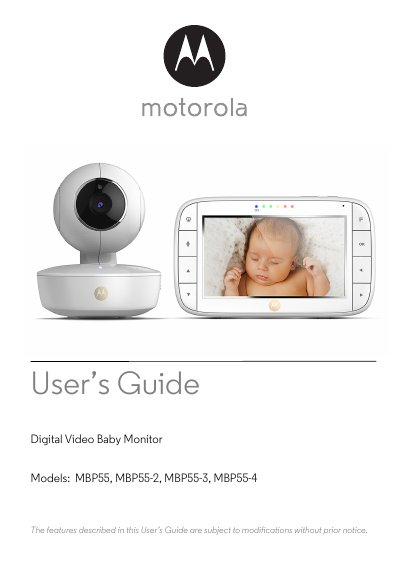
This User's Guide covers the Motorola Digital Video Baby Monitor models MBP55, MBP55-2, MBP55-3, and MBP55-4. It details the features of the Parent Unit and Baby Unit, including the LCD display, night vision, pan/tilt controls, and temperature monitoring. The guide explains how to set up the units, pair them, and navigate the menu options for volume, brightness, lullabies, and alarms. It also includes safety instructions regarding cord management and battery usage.
| Frequency | 2.4 GHz to 2.48 GHz |
|---|---|
| Image sensor | CMOS 1M Pixels |
| Operating Temperature | 0 oC - 45oC |
| IR LED | 8 pcs |
| Battery (Baby Unit) | 2.4V, 900mAh Ni-MH |
| Battery (Parent Unit) | 3.7V, 1880mAh Lithium-Ion Polymer |
| Display | 5" diagonal TFT LCD |
| Display colours | 16.7M colour LCD |
The Baby Unit can operate for up to 3 hours with its built-in rechargeable battery.
You should charge the unit for at least 16 hours before the first use.
The operating temperature range is 0°C to 45°C.
No, you should never use extension cords with the AC Adapters.